Tesla Engine Sound
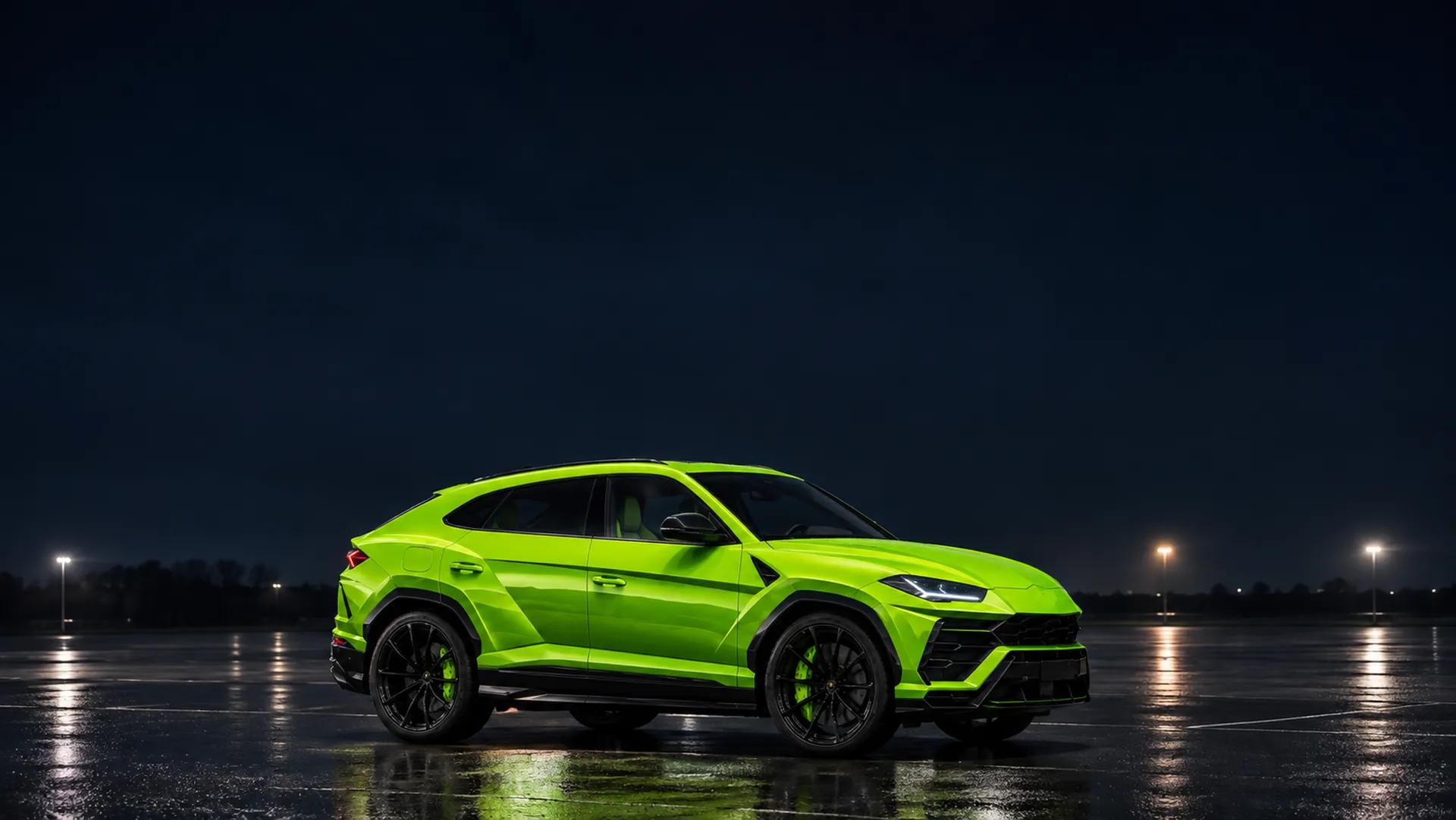
17 engines, synthesised live. They follow your speed.
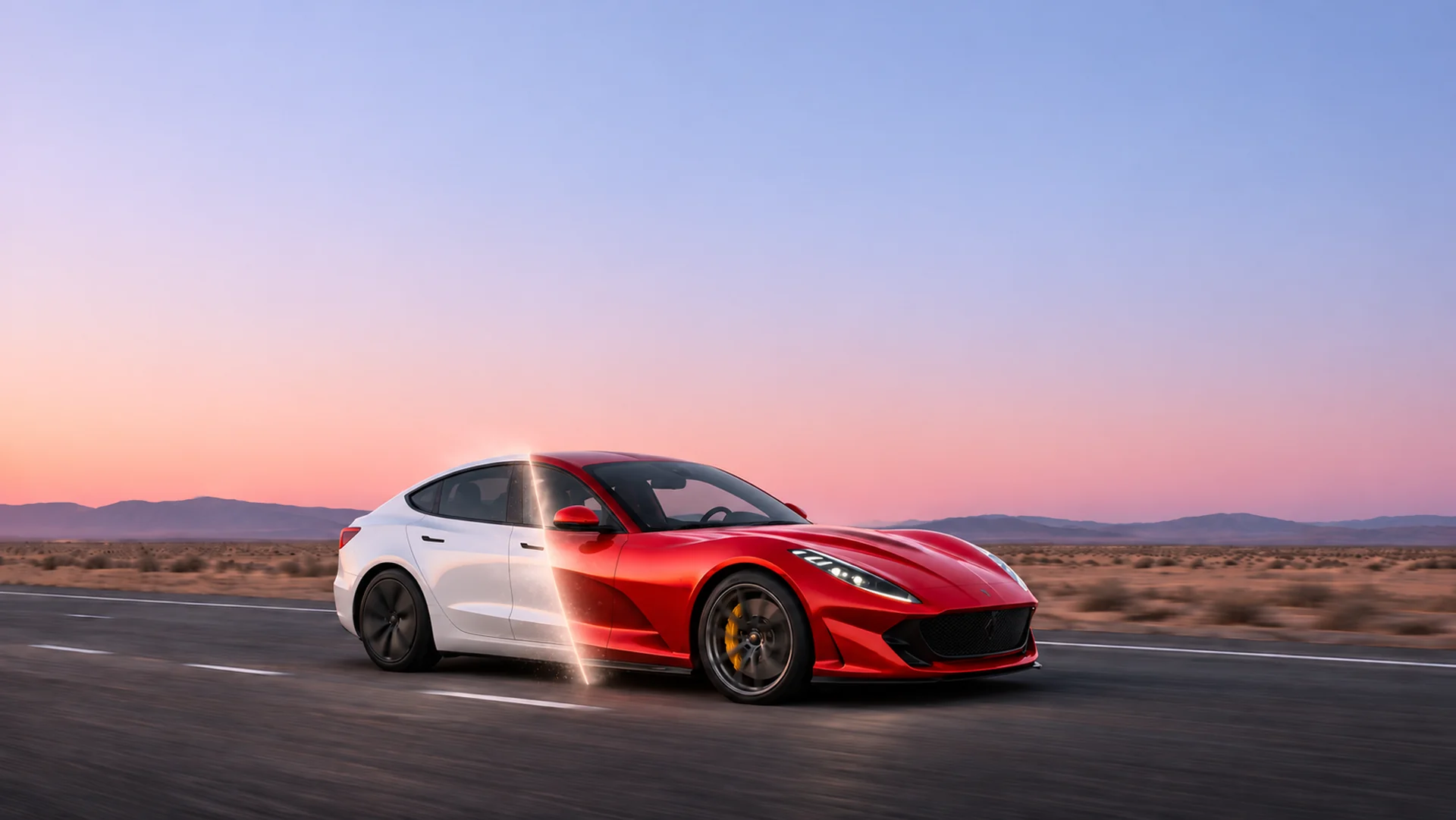
Two displays. Your choice.
Themed dials for every car, or a calm minimal layout, light or dark. Drag to compare.
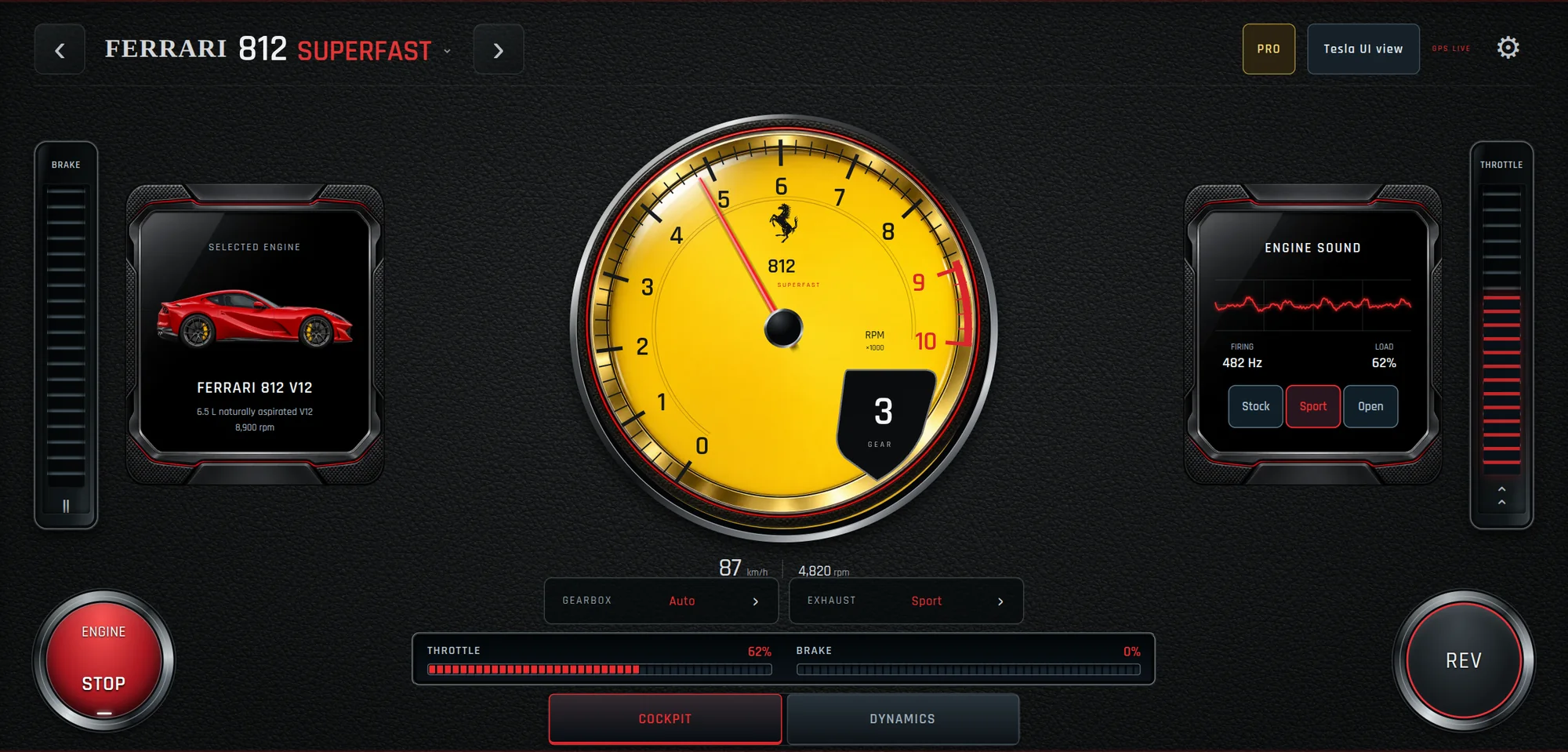
Cockpit
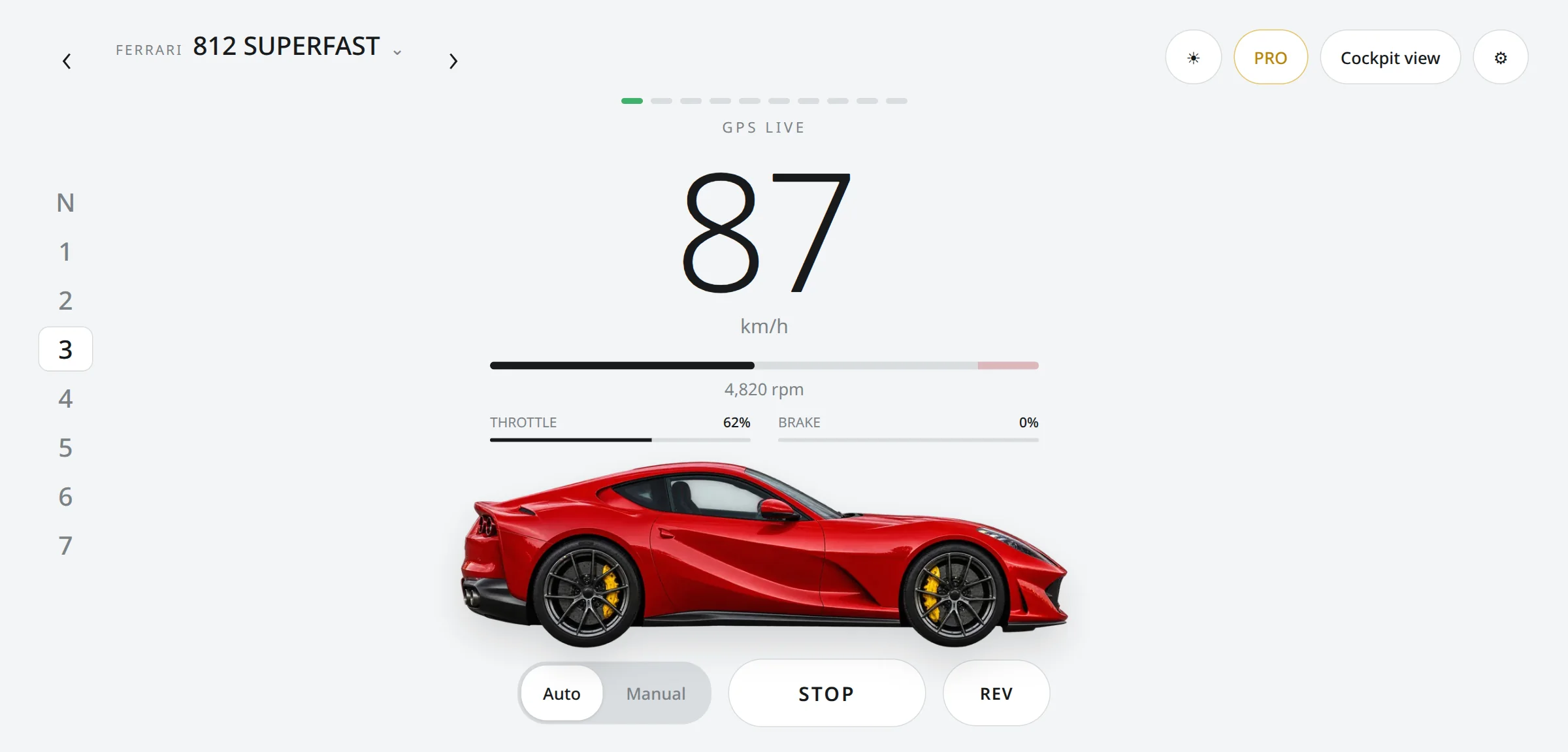
Every car with its own dials, panels and colours.
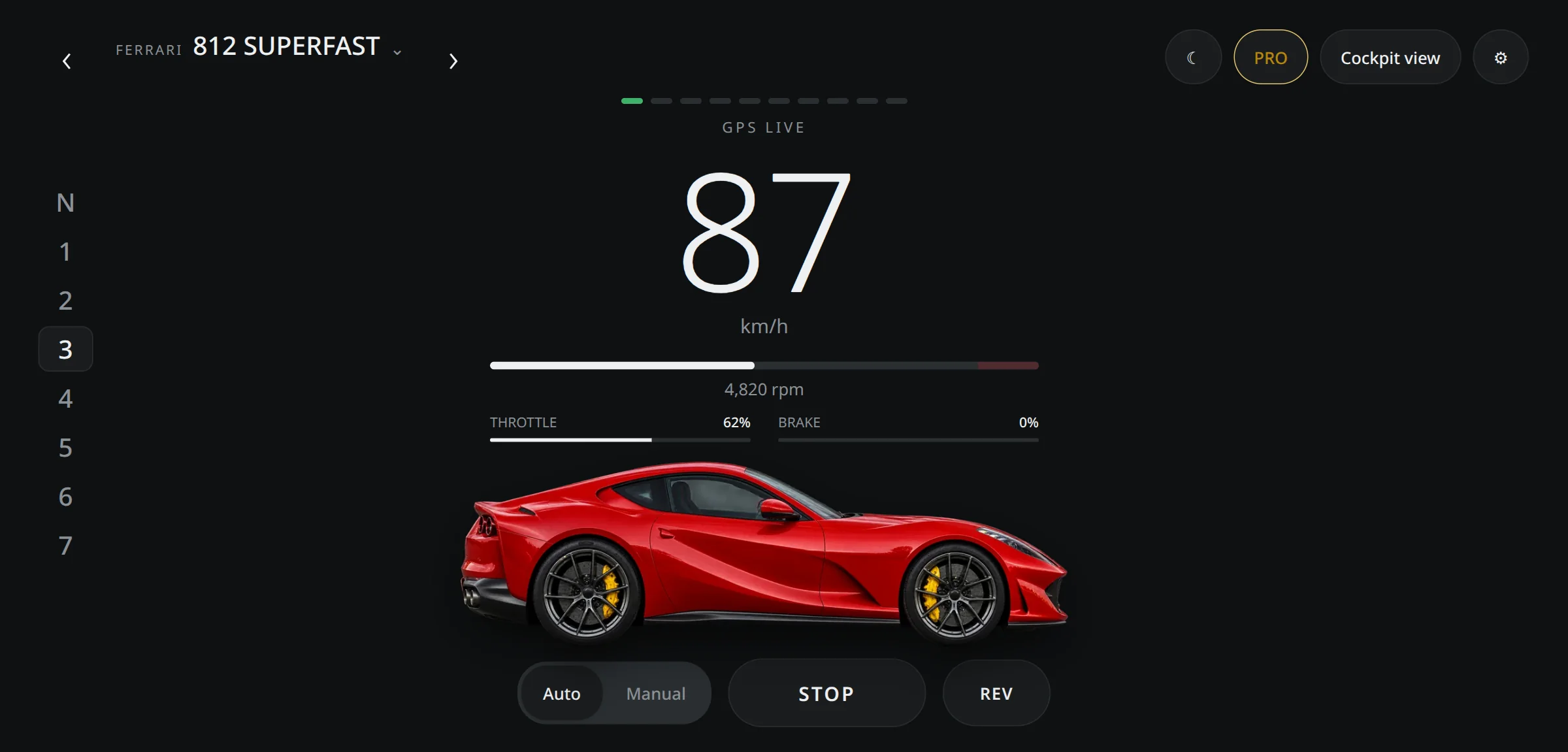
Tesla UI
A big speed, a thin rev bar and the gear column, with every control in one row along the bottom.

It follows your speed
Your browser’s GPS tells the engine how fast you are going. It revs, shifts and crackles like the real car.
Ready in a minute
- 1
Park and open the browser
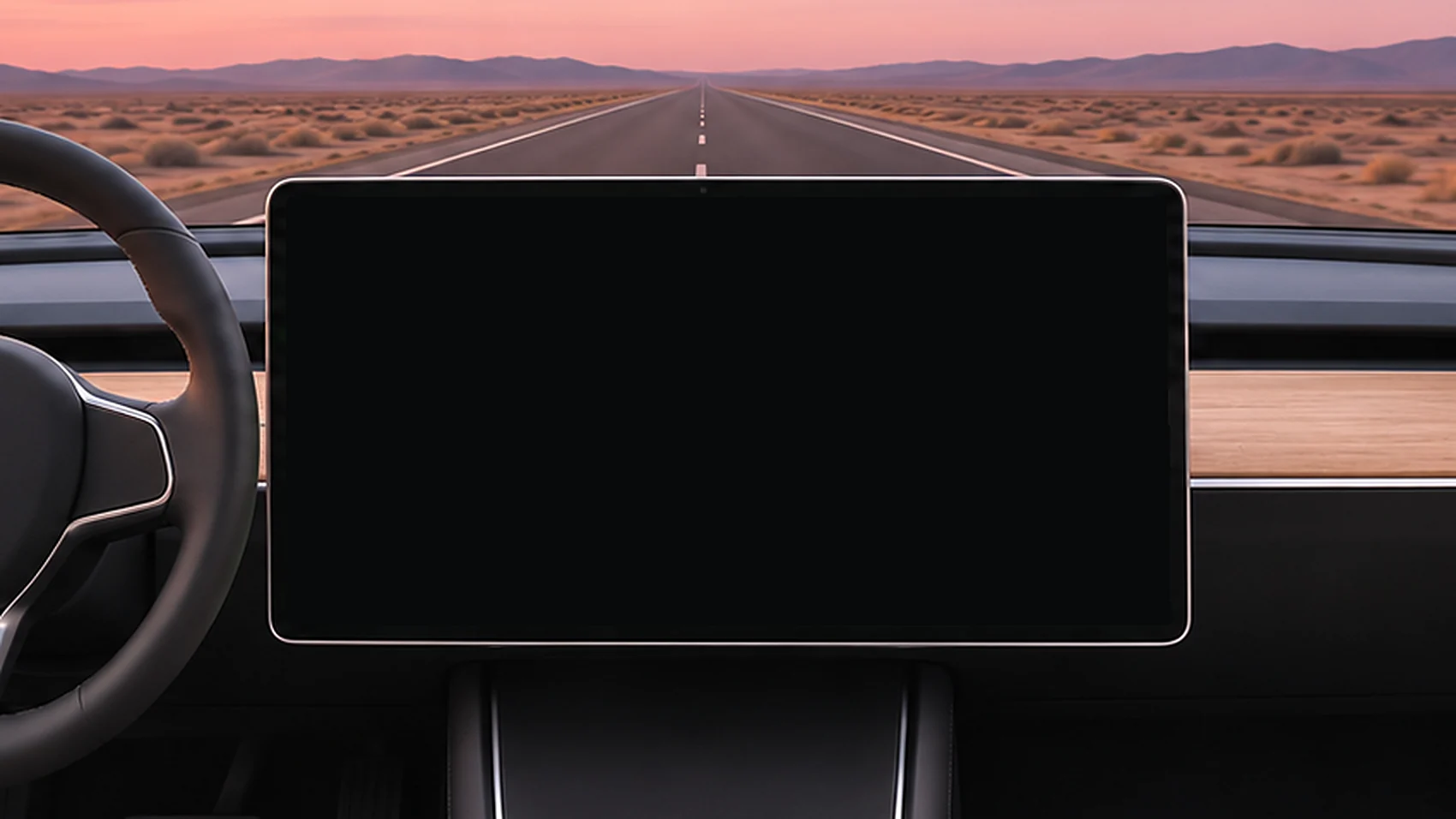
On your car’s screen, go to teslaengine.app.
- 2
Press Start and allow location
The browser asks once. Your location stays in the car and is never sent to us.
- 3
Pick an engine and drive
Set the engine and the volume before you set off.
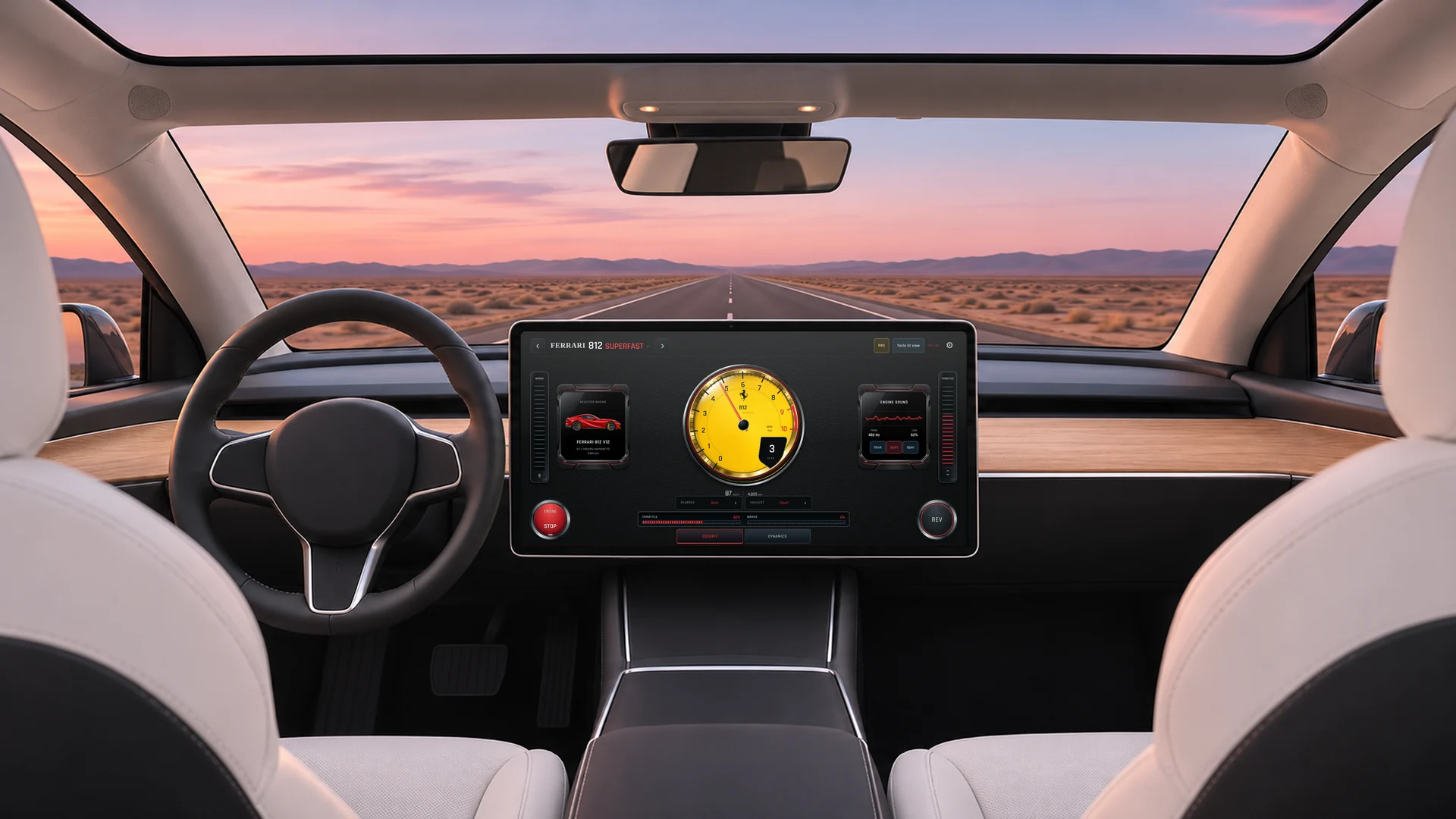
Nothing to install
It runs in the browser your car already has, and plays through the cabin speakers like music.
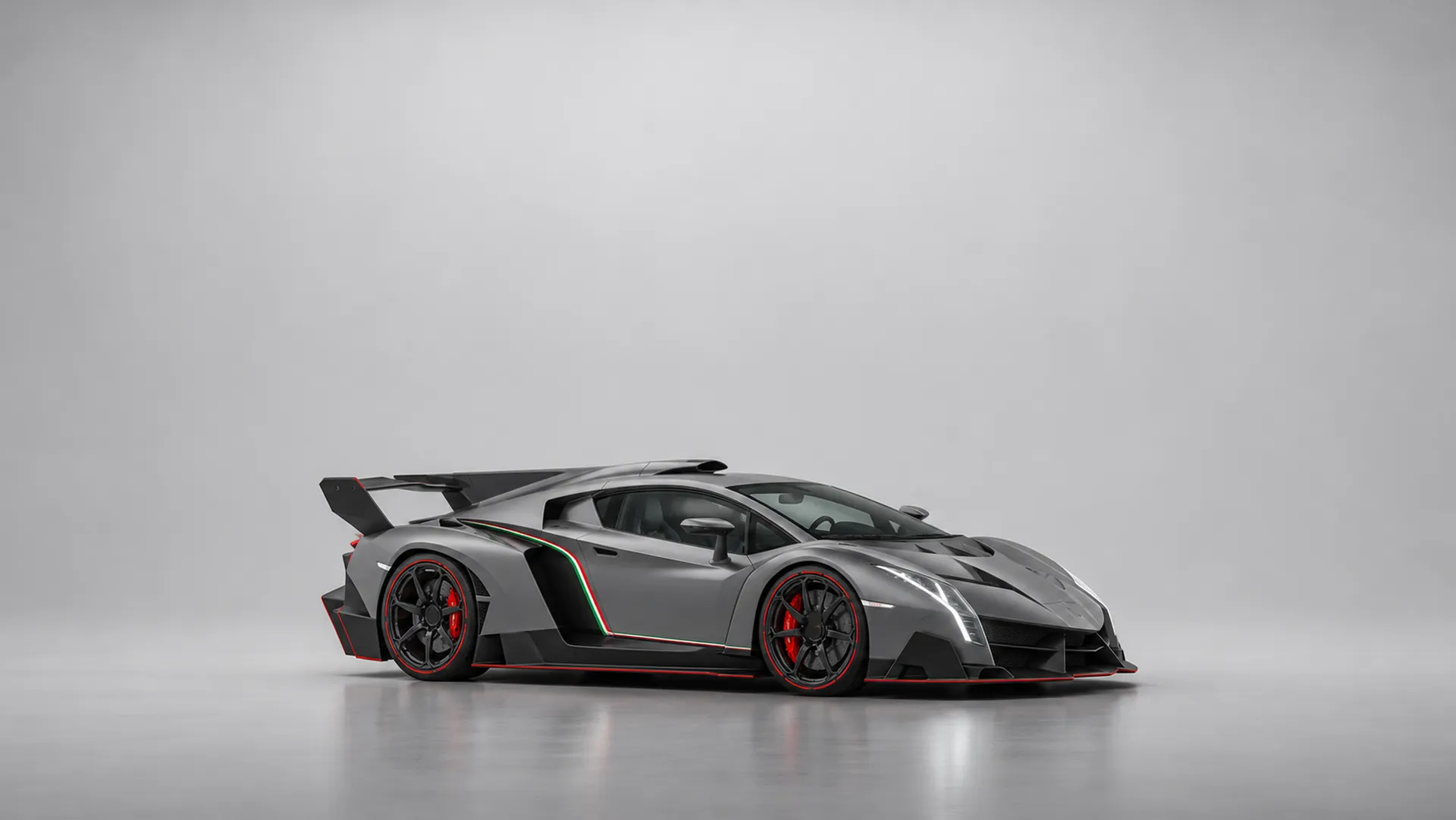
17 engines in the garage
Each one has its own cockpit and its own voice. Tap a car to open it.
Every engine. No time limit.
Pro unlocks the V12s, the manual gearbox and unlimited engine time.
Pricing
Start free. Go Pro when you want more.
Payment by Stripe. Prices include VAT.
Questions